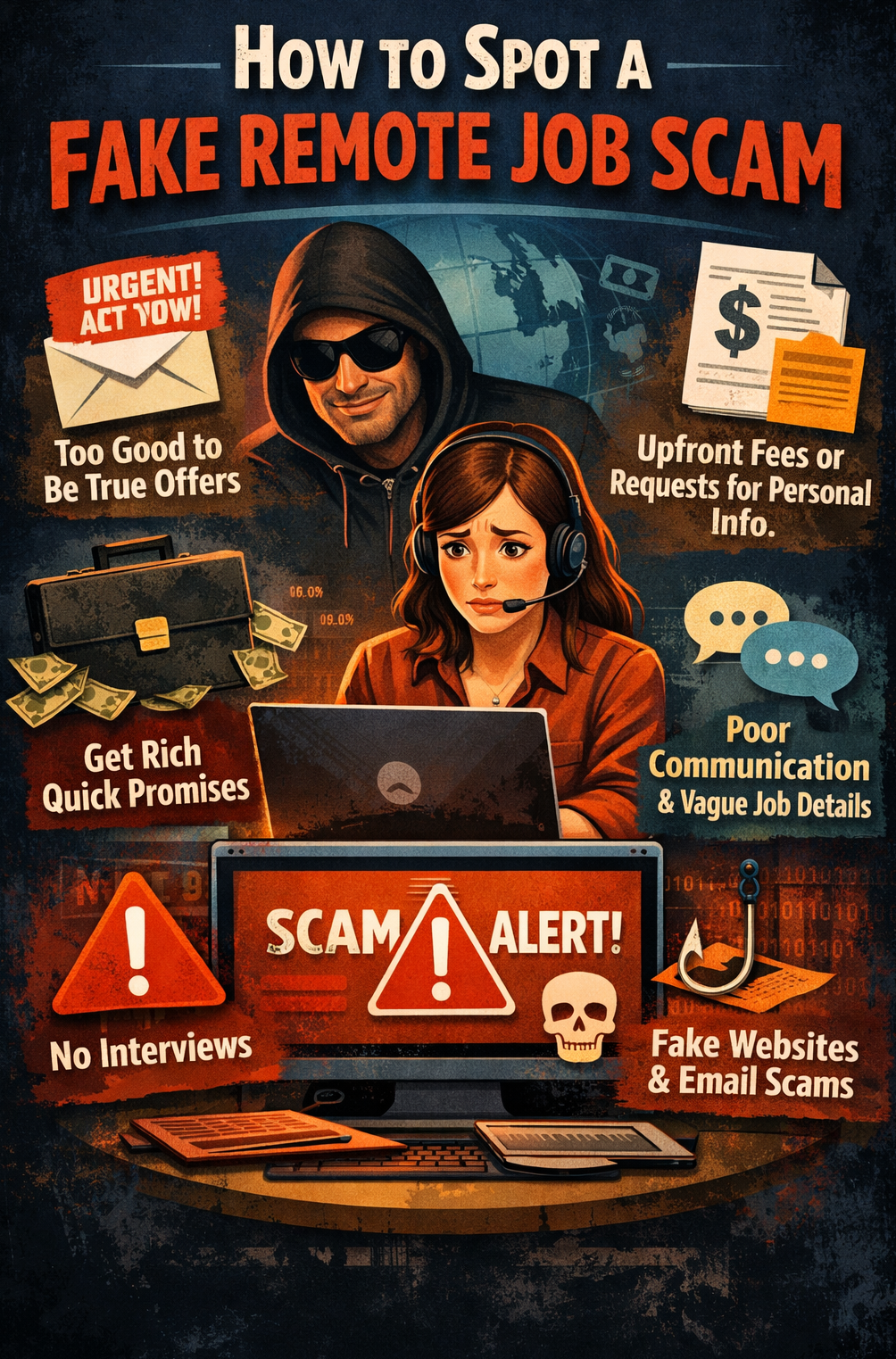
How to Spot a Fake Remote Job Scam on LinkedIn or Upwork
How to spot a fake remote job scam has been a question on the minds of people seeking to find remote jobs.
Remote work has opened doors for millions of people.
You can work from home. Earn in foreign currency. Build a flexible career.
But there is a problem.
As remote jobs become more popular, job scams are becoming more common.
Every day, job seekers lose money, share sensitive information, or waste weeks chasing fake opportunities.
The worst part?
Many of these scams look surprisingly real.
They appear on LinkedIn, show up on Upwork and may even come from people claiming to be recruiters.
The good news is that most fake remote job scams leave clues.
Once you know what to look for, they become much easier to spot.
Why Remote Job Scams Are Growing
Scammers know that many people are searching for:
- Remote jobs with no experience
- Work-from-home opportunities
- Online jobs that pay in dollars
- Freelance jobs on LinkedIn
- Upwork jobs for beginners
They use attractive offers to lure people in.
Then they ask for money, personal information, or unpaid work.
Understanding the warning signs can save you a lot of trouble.
Red Flag #1: The Salary Sounds Unrealistic
One of the easiest ways to spot a fake remote job is by looking at the pay.
Be cautious if a company offers:
- $4,000 per month for simple data entry
- $50 per hour for beginner-level tasks
- Huge bonuses before you start working
- High pay with almost no qualifications required
Ask Yourself
Why would a company pay expert-level rates for basic work?
If the offer sounds too good to be true, it probably is.
Red Flag #2: You Get Hired Almost Instantly
Legitimate employers usually have a hiring process.
This often includes:
- Application review
- Interview
- Skills assessment
- Background checks
Be careful if:
- You get hired after a few messages.
- Nobody asks about your experience.
- There is no interview.
- The company seems desperate to hire you.
Good employers want the right candidate.
Scammers want a quick victim.
Red Flag #3: They Want to Move the Conversation to Telegram or WhatsApp
This is one of the biggest warning signs.
A scammer may say:
- “Contact our manager on Telegram.”
- “Let’s continue on WhatsApp.”
- “Email this private address immediately.”
LinkedIn and Upwork already provide communication tools.
Scammers often move conversations off-platform because it is harder to trace them.
Safe Practice
Keep communication on LinkedIn or Upwork until you verify the opportunity.
Red Flag #4: The Recruiter’s Profile Looks Fake
Before responding to a recruiter, inspect their profile carefully.
Look for:
- Professional work history
- Company connections
- Recent activity
- Recommendations
- A realistic number of followers or connections
Warning signs include:
- Newly created profiles
- Few connections
- No posts or activity
- Generic profile photos
- Missing employment history
A fake profile often looks incomplete.
Red Flag #5: The Company Has No Online Presence
Before accepting any interview invitation, do some research.
Search for:
- The company website
- LinkedIn company page
- Google reviews
- Employee profiles
Be cautious if:
- The website looks unfinished.
- Contact information is missing.
- The company cannot be found online.
- Employee profiles seem fake.
Legitimate companies leave digital footprints.
Scammers usually do not.
Red Flag #6: They Ask You to Pay Money
This is the biggest scam indicator.
No legitimate employer should ask you to pay for:
- Training
- Recruitment fees
- Equipment deposits
- Software licenses
- Background checks
Common Scam Message
“Congratulations! You have been selected. Kindly send a processing fee to begin onboarding.”
Stop immediately.
Real employers pay employees.
Employees do not pay employers.
Red Flag #7: They Ask for Sensitive Information Too Early
Protect your personal information.
Do not share:
- Bank account details
- BVN
- NIN
- Passport information
- Credit card details
at the beginning of the hiring process.
A genuine company only requests sensitive information after formal employment procedures.
Red Flag #8: The Job Description Is Vague
A genuine job posting explains:
- Your responsibilities
- Required skills
- Working hours
- Compensation
- Reporting structure
A fake posting often contains:
- Generic descriptions
- Poor grammar
- Missing details
- Buzzwords without explanations
If you cannot clearly understand the job, ask questions.
Red Flag #9: Upwork Clients Who Want to Leave Upwork
Many scammers try to move freelancers off Upwork immediately.
They may say:
- “Let’s work through email.”
- “Contact me on Telegram.”
- “Let’s avoid Upwork fees.”
This removes the protections that Upwork provides.
Smart Rule
Never start work outside Upwork until there is a legitimate contract in place.
Red Flag #10: They Send You a Check to Buy Equipment
This scam has trapped many remote workers.
It usually works like this:
- You get hired.
- The company sends a check.
- They ask you to buy equipment.
- The check later bounces.
- You lose money.
Legitimate companies usually provide equipment directly or reimburse verified purchases.
Red Flag #11: The Recruiter Uses a Free Email Address
Look at the sender’s email address.
Examples:
A legitimate business usually uses its own domain.
Examples:
While there are exceptions, free email addresses deserve extra scrutiny.
Red Flag #12: They Create Pressure and Urgency
Scammers want you to act before you think.
They may say:
- “Apply within one hour.”
- “Pay today.”
- “Respond immediately.”
- “Limited positions available.”
Pressure is a common scam tactic.
A genuine employer understands that candidates need time to make informed decisions.
A 60-Second Remote Job Scam Check
Before accepting any remote job offer, ask yourself:
Does the company have a professional website?
Is the recruiter connected to the company?
Have I had a proper interview?
Is the salary realistic?
Is communication happening on official channels?
Have they avoided asking for money?
Have they avoided requesting sensitive information?
If you answer “No” to several of these questions, proceed carefully.
What To Do If You Suspect a Job Scam
If a job feels suspicious:
- Stop communicating immediately.
- Take screenshots of conversations.
- Report the account on LinkedIn or Upwork.
- Block the scammer.
- Warn other job seekers if appropriate.
- Never send money or personal documents.
Trust your instincts.
If something feels off, investigate further.
Finally
Finding a remote job can change your life.
But scammers know that job seekers are often hopeful and eager.
That is why they use attractive salaries, fake recruiter profiles, and urgent messages to create pressure.
The safest approach is simple.
Research every company.
Verify every recruiter.
Never pay for a job.
And never share sensitive information too early.
A few minutes of checking can save you months of frustration.
The next time a remote job offer lands in your inbox, remember this:
A genuine employer wants your skills.
A scammer wants your money, information, or time.
Know the difference.
Disclaimer: This article is provided for informational purposes only and does not constitute formal legal advice.